 TickRiver
Local time tracking for Windows
Track your time.
Keep it yours.
Simple time tracking, client and project reports, and Excel exports. Your records are stored on your PC.
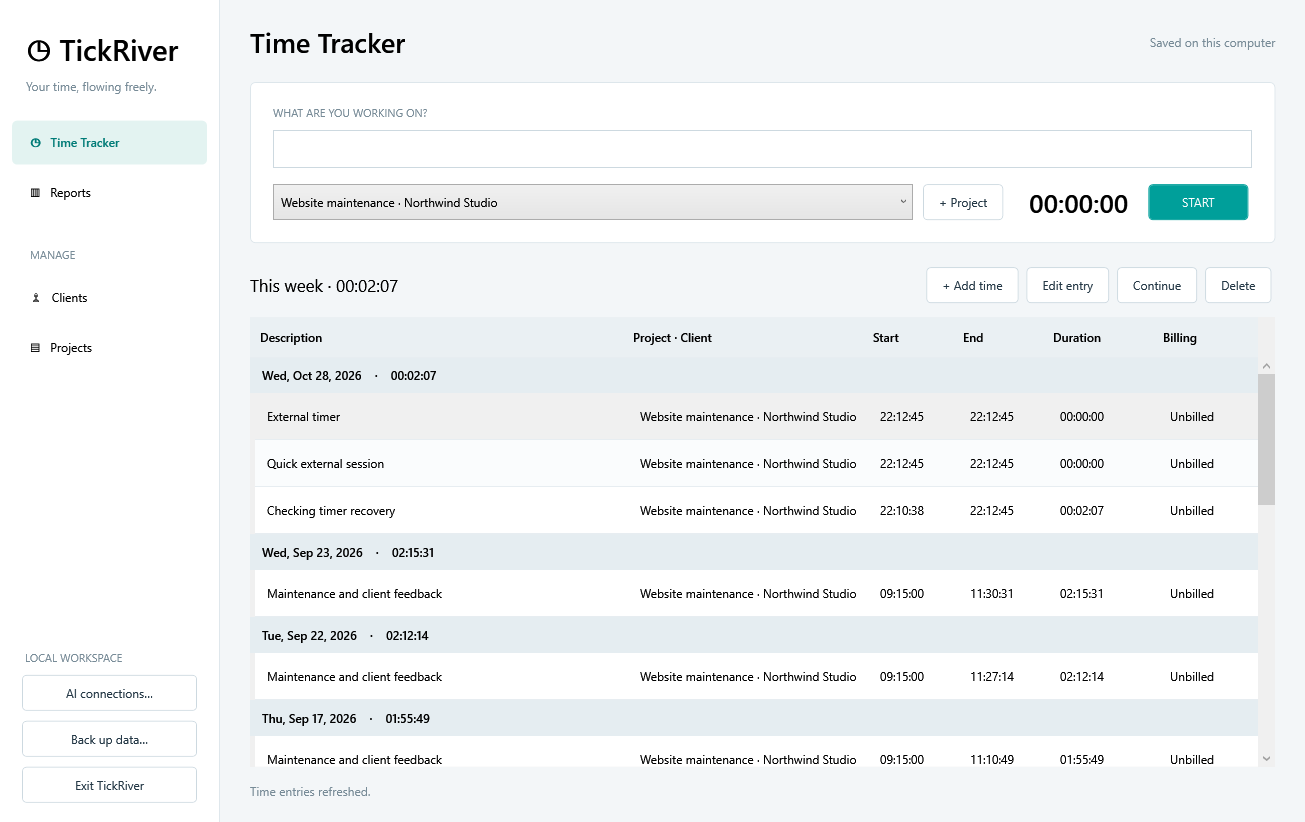
Track work
Start a timer, add a description, and keep your work organized by client and project.
See your hours
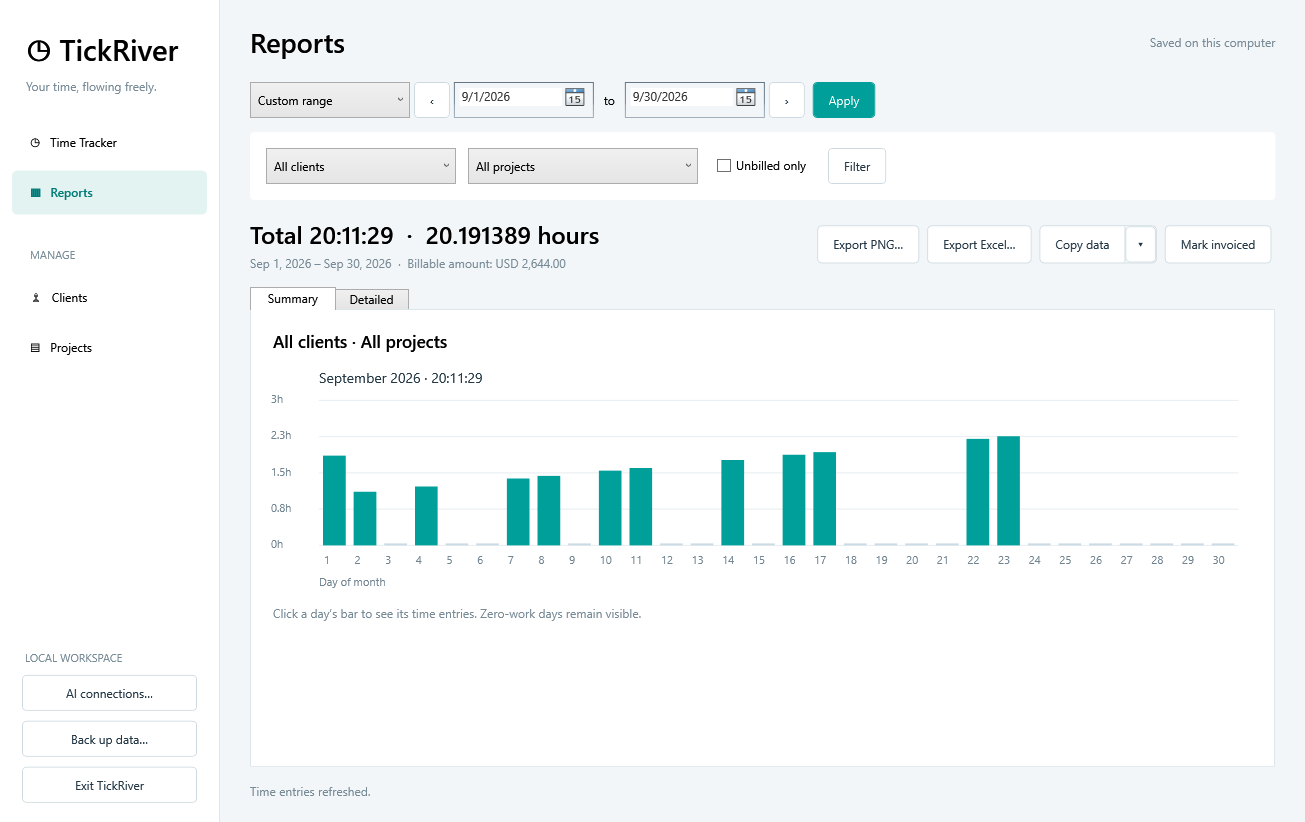
Review time and billable amounts, filter unbilled work, and export clear reports.
Use your AI tools
Ask about your hours, start or stop a timer, and update entries through a connected AI client.
Reports and exports
From timer to report.
Choose a day, week, month, quarter, year, or your own date range. Filter by client or project to see the work that matters.
- Export detailed entries and editable charts to Excel.
- Save a chart as a PNG image.
- Copy entries into Word or Excel as an editable table.
- Track billable rates and mark completed work invoiced.
A local workspace
Your work, on your computer.
TickRiver stores its records locally. You do not need an account or a cloud time-tracking service. Use the built-in backup command to keep a separate copy of your data.
AI integration is optional. When you request time data through an AI client, that data is returned to the client and may be processed by its provider.
See how AI connections work ›Built for the working day
- Clients, projects, hourly rates, and multiple currencies.
- Manual entries for time you did not track with a timer.
- Timers that survive closing and reopening the app.
- Historical rates preserved on recorded entries.
- A self-contained installer with the runtime included.
A few common questions
Is TickRiver free?
Yes. TickRiver is free to download and use, and comes with full source code on GitHub. No account is required.
Does it work without AI?
Yes. Tracking, reports, exports, and backups work in the Windows app. Connecting an AI client is optional.
What happens if I close it while a timer is running?
You can stop and save the timer, keep it counting while TickRiver is closed, or cancel closing. A timer that keeps counting uses its saved start time and resumes when you reopen the app.
Can I create invoices?
TickRiver tracks billable amounts, exports hours, and lets you mark time invoiced. It does not generate invoices or calculate taxes.